
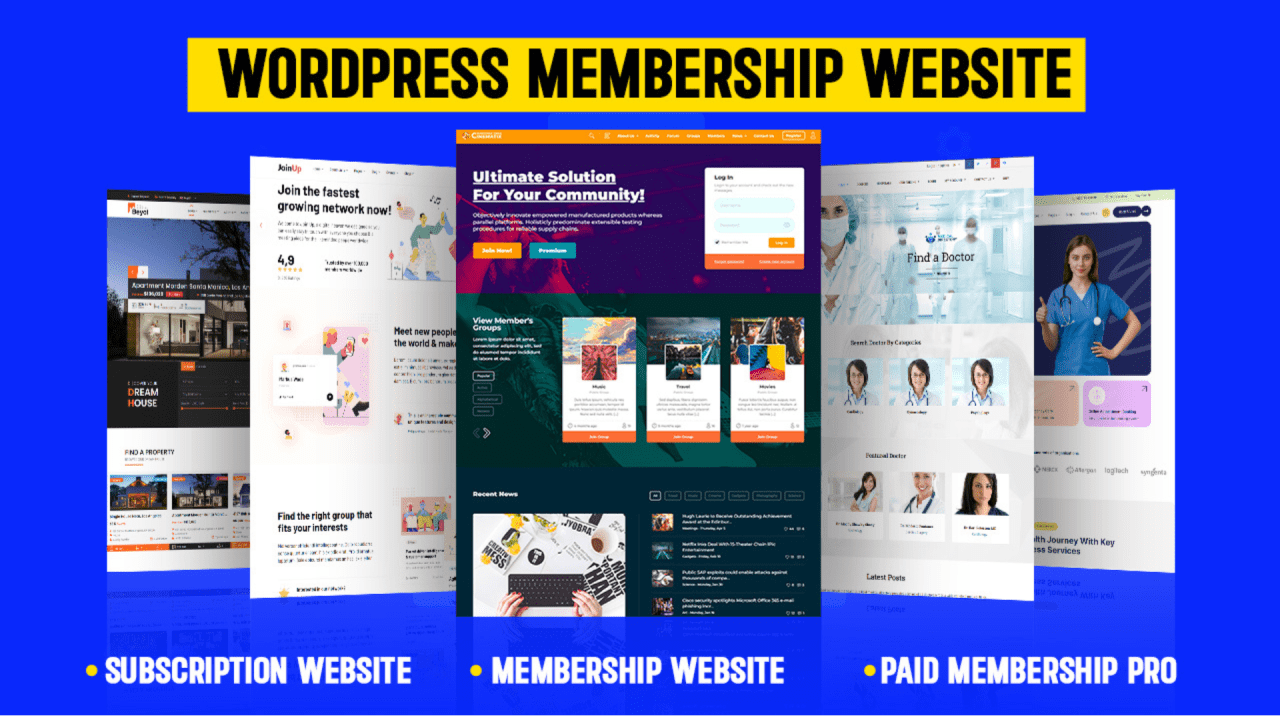
How to Use WordPress for Membership Sites
Creating a membership site with WordPress is one of the most effective ways to monetise your content, build an exclusive community, and offer value to your audience. Whether you’re offering digital courses, premium blog posts, or a private forum, WordPress makes it easy to manage and grow a membership-based website.
In this guide, we’ll walk you through how to set up and run a successful WordPress membership site, including the best tools, themes, and plugins to get started.

Why Choose WordPress for Membership Sites?
WordPress is the world’s most popular content management system, and for good reason. Its flexibility, scalability, and user-friendly interface make it a top choice for creating membership websites.
Here are a few reasons why WordPress is ideal for membership sites:
- Thousands of plugins for customisation
- Easy integration with payment gateways
- Seamless content restriction capabilities
- A vast selection of membership-focused themes
With the right tools, you can turn a basic WordPress site into a powerful membership platform without needing advanced coding skills.
Step 1: Choose a Reliable Hosting Provider
Before diving into plugins and design, choose a WordPress hosting provider that offers speed, security, and scalability. Managed WordPress hosts like SiteGround, Kinsta, or Bluehost offer optimised environments specifically for WordPress websites, which is critical when managing user accounts and secure content.
Step 2: Install WordPress and a Membership Plugin
Once hosting is in place, install WordPress and choose a membership plugin that fits your needs. Some of the most popular WordPress membership plugins include:
- MemberPress – Ideal for monetising content with flexible access rules.
- Restrict Content Pro – Lightweight, with powerful restriction and payment features.
- Paid Memberships Pro – Great for multiple membership tiers and integrations.
These plugins help you create subscription plans, restrict content, and manage members from a user-friendly dashboard.
Step 3: Configure Membership Settings
After installing your plugin, configure the membership levels. This includes setting up:
- Membership tiers (free, basic, premium)
- Billing cycles (monthly, annually)
- Registration forms
- Welcome emails and onboarding flows
Many plugins allow you to drip content over time, perfect for online courses or serialised training materials.
Step 4: Restrict Content Based on Membership Level
The core function of a membership site is content restriction. With a WordPress membership plugin, you can control who sees what by assigning visibility settings to posts, pages, videos, or downloads.
For example, you might allow free users to see blog summaries but restrict full access to paying members. This is essential for offering exclusive content that incentivises users to upgrade.
Step 5: Choose a Membership-Friendly Theme
Using a WordPress theme for membership sites ensures your layout is optimised for user interaction and conversions. Look for themes that:
- Support login/logout visibility
- Display membership plans cleanly
- Offer a responsive design for mobile devices
- Integrate smoothly with your membership plugin
A few popular themes include Astra, BuddyBoss (ideal for community features), and Kadence.
Step 6: Integrate Payment Gateways
Secure and flexible payment integration is crucial. Most membership plugins support Stripe, PayPal, and WooCommerce. Set up your preferred gateway and ensure you’re offering clear payment terms and receipts.
Also, consider setting up recurring payments, trial periods, or coupon codes to improve user acquisition and retention.
Step 7: Monitor and Manage Members
WordPress offers dashboards and plugins that help you manage your members easily. From analytics on user behaviour to sending out email newsletters and renewal reminders, automation can streamline operations significantly.
Consider integrating email marketing tools like Mailchimp, ConvertKit, or ActiveCampaign to nurture your community and boost engagement.
Final Thoughts
Building a membership website using WordPress is more accessible than ever, thanks to powerful plugins, themes, and integrations. Whether you’re offering premium content, online courses, or community access, WordPress provides all the tools needed to scale and succeed.
By following the steps above—choosing the right hosting, plugin, theme, and marketing tools—you’ll be well on your way to creating a profitable and user-friendly membership site. Start small, test your offerings, and continue to refine your user experience for long-term growth.


